Our First Forecast: Traditional Time Series Models on Your Laptop
In our first article, we laid out the high-stakes business problem: stockouts and obsolete stock costing millions. Now, it’s time to roll up our sleeves and start building the solution. Before we architect a scalable cloud system, we must answer a fundamental question: What does a “good” forecast even look like for our data?
The best way to find out is to start simple, right on your own machine. A local environment is our prototyping playground—a place for rapid experimentation without the overhead of cloud services. Our goal today is to establish a baseline using trusted, traditional time series models.
Why Start with Traditional Models?
Models like Exponential Smoothing (ETS) and ARIMA (AutoRegressive Integrated Moving Average) have been the workhorses of forecasting for decades, and for good reason:
- Interpretability: You can understand why the model made a certain prediction.
- Robustness: They are well-understood and work remarkably well on a wide variety of problems.
- The Baseline Bar: Any more complex Machine Learning model must beat these to be considered useful. They are our benchmark.
The Setup: Data and Environment
You can access the notebook used in this article here: traditional_time_series.ipynb
For this example, let’s imagine we’re forecasting demand for a single, high-volume product. We have three years of historical weekly sales data.
We’ll use a standard Python stack:
- pandas for data manipulation
- matplotlib for visualization
- statsmodels which provides excellent implementations of statistical models.
Note: The code below is a simplified, illustrative version. A production script would include error handling, logging, and configuration
import pandas as pd
import matplotlib.pyplot as plt
from statsmodels.tsa.exponential_smoothing import ets
from statsmodels.tsa.arima.model import ARIMA
from statsmodels.tsa.stattools import adfuller
from statsmodels.tsa.seasonal import seasonal_decompose
from statsmodels.graphics.tsaplots import plot_acf, plot_pacf
from statsmodels.stats.diagnostic import acorr_ljungbox
import scipy.stats as stats
from sklearn.metrics import mean_absolute_error

# Load and prepare the data
df = pd.read_csv('../data/retail_demand_dataset.csv', parse_dates=['date'], index_col='date')
one_product = df[df['product_id'] == 'P003']['units_sold']
series = one_product.resample('W').sum()

# Split into train and test sets
train = series[:-52]  # First two years for training
test = series[-52:]   # Last year for testing

# Plot
series.plot(kind='line', xlabel='date', title="Sales of P003")
plt.show()
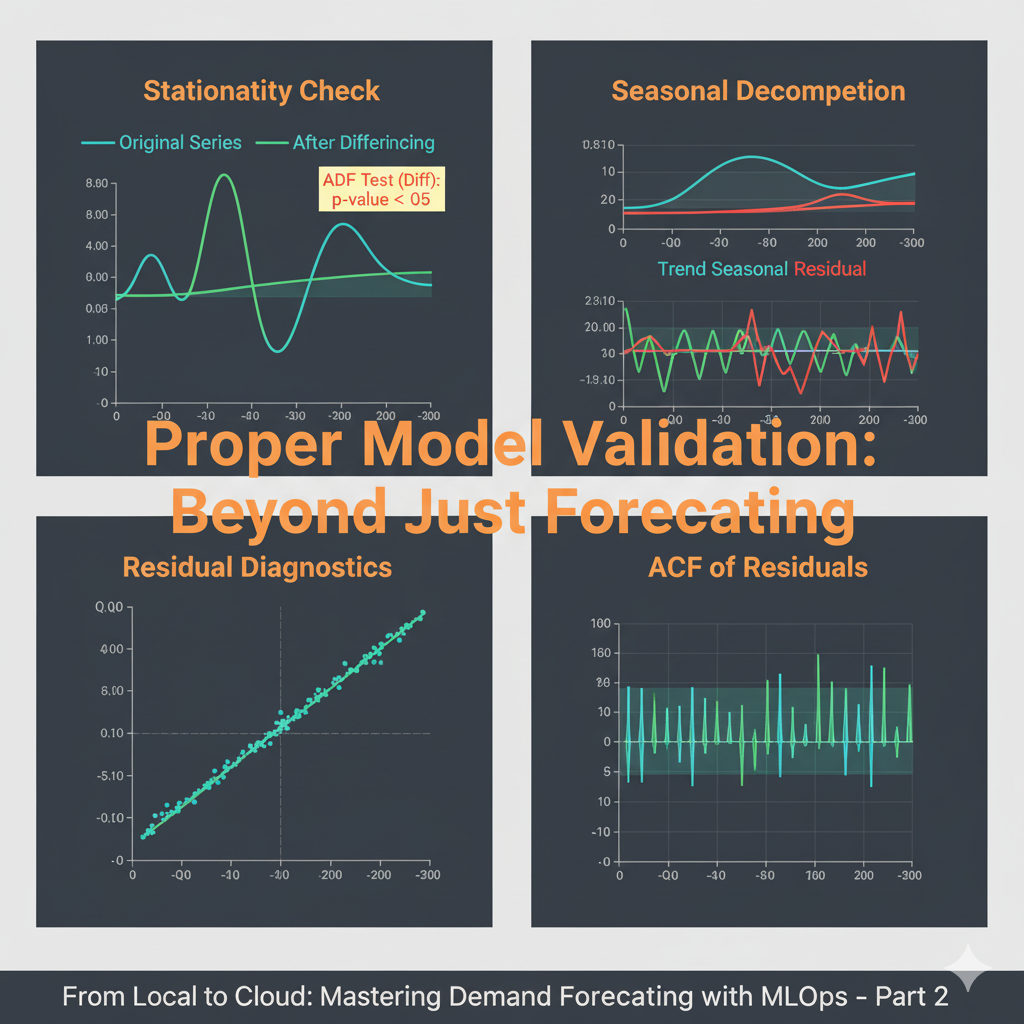
Critical Step 1: Testing for Stationarity
ARIMA models require the time series to be stationary - meaning its statistical properties (mean, variance) don’t change over time. We use the Augmented Dickey-Fuller test to check this:
def check_stationarity(timeseries):
    result = adfuller(timeseries.dropna())
    print(f'ADF Statistic: {result[0]:.4f}')
    print(f'p-value: {result[1]:.4f}')
    print('Critical Values:')
    for key, value in result[4].items():
        print(f'\t{key}: {value:.4f}')

    if result[1] <= 0.05:
        print("Series is stationary")
        return True
    else:
        print("Series is not stationary - differencing required")
        return False

print("Original Series:")
is_stationary = check_stationarity(train)
If the series isn’t stationary (p-value > 0.05), we difference it:
if is_stationary:
    train_diff = train
else:
    # First difference if needed
    train_diff = train.diff().dropna()
    print("After First Differencing:")
    check_stationarity(train_diff)
Critical Step 2: Identifying Seasonality and Model Parameters
We use decomposition and autocorrelation plots to understand the underlying patterns:
# Seasonal decomposition
decomposition = seasonal_decompose(train, model='additive')
decomposition.plot()
plt.show()

# ACF and PACF plots to identify AR and MA terms
fig, (ax1, ax2) = plt.subplots(2, 1, figsize=(12, 8))
plot_acf(train_diff, ax=ax1, lags=40)
plot_pacf(train_diff, ax=ax2, lags=40)
plt.show()
Model 1: Exponential Smoothing (ETS)
This model captures trends and seasonality by applying exponentially decreasing weights to past observations.
# Fit Exponential Smoothing model (assuming additive seasonality)
ets_model = ets.ETSModel(train, trend='add', seasonal='add', seasonal_periods=52)
ets_fit = ets_model.fit()

# Generate a forecast for the test period
ets_forecast = ets_fit.forecast(len(test))
print(f'ETS AIC: {ets_fit.aic:.2f}, MAE: {ets_fit.mae:.2f} and MSE: {ets_fit.mse:.2f}')
Model 2: ARIMA
Now we fit ARIMA with the parameters suggested by our analysis:
# Fit ARIMA model based on our analysis
arima_model = ARIMA(train_diff, order=(3, 0, 1))
arima_fit = arima_model.fit()

# Generate forecast
arima_forecast = arima_fit.forecast(len(test))
print(f'ETS AIC: {arima_fit.aic:.2f}, MAE: {arima_fit.mae:.2f} and MSE: {arima_fit.mse:.2f}')
Critical Step 3: Model Diagnostics - The Most Important Part
A forecast is useless if the model assumptions aren’t met. We must validate the residuals:
def diagnose_model(model_fit, model_name):
    print(f"\n--- {model_name} Diagnostics ---")

    # Get residuals
    residuals = model_fit.resid.dropna()

    # Plot residuals
    fig, axes = plt.subplots(2, 2, figsize=(12, 10))

    # Residuals over time
    axes[0,0].plot(residuals)
    axes[0,0].set_title('Residuals over Time')
    axes[0,0].axhline(y=0, color='r', linestyle='-')

    # Distribution of residuals
    axes[0,1].hist(residuals, bins=20, density=True, alpha=0.7)
    axes[0,1].set_title('Distribution of Residuals')

    # Q-Q plot for normality
    stats.probplot(residuals, dist="norm", plot=axes[1,0])
    axes[1,0].set_title('Q-Q Plot')

    # ACF of residuals
    plot_acf(residuals, ax=axes[1,1], lags=20)
    axes[1,1].set_title('ACF of Residuals')

    plt.tight_layout()
    plt.show()

    # Ljung-Box test for autocorrelation in residuals
    lb_test = acorr_ljungbox(residuals, lags=10, return_df=True)
    print(f"Ljung-Box Test p-value: {lb_test['lb_pvalue'].iloc[-1]:.4f}")
    if lb_test['lb_pvalue'].iloc[-1] > 0.05:
        print("Residuals are independent (good!)")
    else:
        print("Residuals show autocorrelation (problem!)")

# Run diagnostics
diagnose_model(arima_fit, "ARIMA Model")
Evaluating Our Validated Baselines
Only after passing our diagnostic checks can we trust the model for forecasting:
ets_mae = mean_absolute_error(test, ets_forecast)
arima_mae = mean_absolute_error(test, arima_forecast)

print(f"ETS Model MAE: {ets_mae:.2f}")
print(f"ARIMA Model MAE: {arima_mae:.2f}")

# Visualize the final forecasts
plt.figure(figsize=(12,6))
plt.plot(train.index, train, label='Training Data')
plt.plot(test.index, test, label='Actual Sales', color='grey')
plt.plot(test.index, ets_forecast, label='ETS Forecast', color='blue')
plt.plot(test.index, arima_forecast, label='ARIMA Forecast', color='red')
plt.legend()
plt.title('Validated Demand Forecast: Traditional Models')
plt.show()
So, What Did We Learn?
By running this rigorous validation locally, we’ve established a statistically sound baseline. We’ve confirmed our model assumptions are met, which is crucial for reliable forecasts.
However, we’ve also uncovered the practical limitations:
- Manual Process: Each validation step requires careful analysis and interpretation.
- Scale: Applying this rigorous process to 10,000 products would be prohibitively time-consuming.
- Expertise Required: Proper time series analysis demands statistical knowledge.
This sets the stage perfectly for our next steps. We have our validated benchmark. Now we’re ready to enhance our forecasts with Machine Learning and, eventually, automate this validation process in the cloud.
A model without proper diagnostics is just a guess. A validated model is a reliable business tool.